Theralytics now checks your browser at login and warns you if it isn't fully supported, so you can switch before running into problems.
What You'll See
Open the login page. In Google Chrome, the page loads normally with no warning.
In another browser (Safari, Firefox, Edge, or a mobile browser), a message appears above the login form: "Your current browser may not be fully supported. Please use the latest version of Chrome."
For the best experience, switch to the latest version of Chrome.
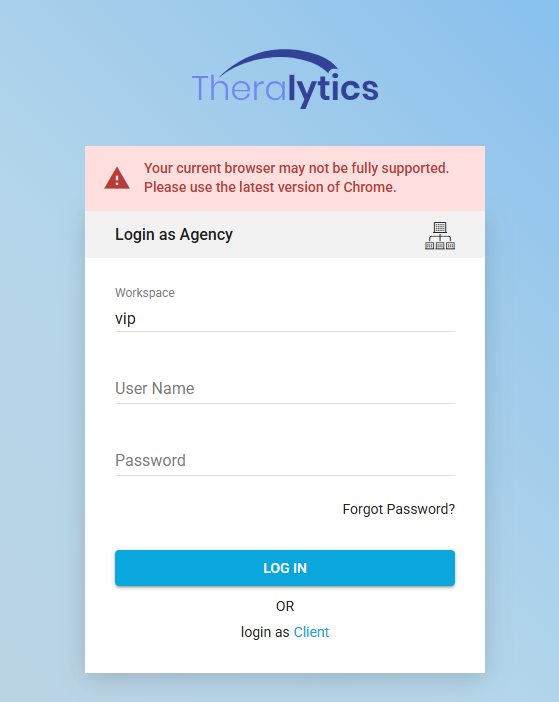
Picture1: Browser warning above the login form
Notes: The warning does not block login. It keeps showing if you switch between Login as agency and Login as client, or navigate away and return to the login page.
Was this article helpful?
That’s Great!
Thank you for your feedback
Sorry! We couldn't be helpful
Thank you for your feedback
Feedback sent
We appreciate your effort and will try to fix the article