This guide provides a walkthrough on how Theralytics users can use the addendum feature to add additional information to their rendered sessions.
How to Add Session Note Addendums
An addendum should be used if you realize after saving and signing that additional information needs to be included in the session note. Since rendered sessions cannot be edited without specific permission, you may need to add an addendum.
Rendering means that the required signatures have been added and the user has selected the Complete button on the note. If the note is saved as a draft, then the user will still be able to make changes to the note.
Step-by-Step Instructions
Tips & Tricks
Here is some additional info to help you make the most of this feature
Check if your session is rendered or not: Addendums can only be added to rendered sessions, so if you don’t see the option to Upload Documents you may still be able to edit the note.
Consider the session time: Adding an addendum will not automatically adjust the appointment start and end time or change the number of units billed.
Web vs Mobile: At this time, addendums can only be added from the web version of the software.
⚠️ Always remember that you will need to use the Session Notes Documents tab under Manage Clients to view your addendum. The addendum will not appear under the client’s Documents tab.
Viewing Your Addendum
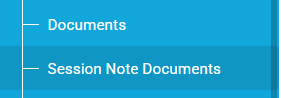
Navigate to Manage Client > Session Note Documents
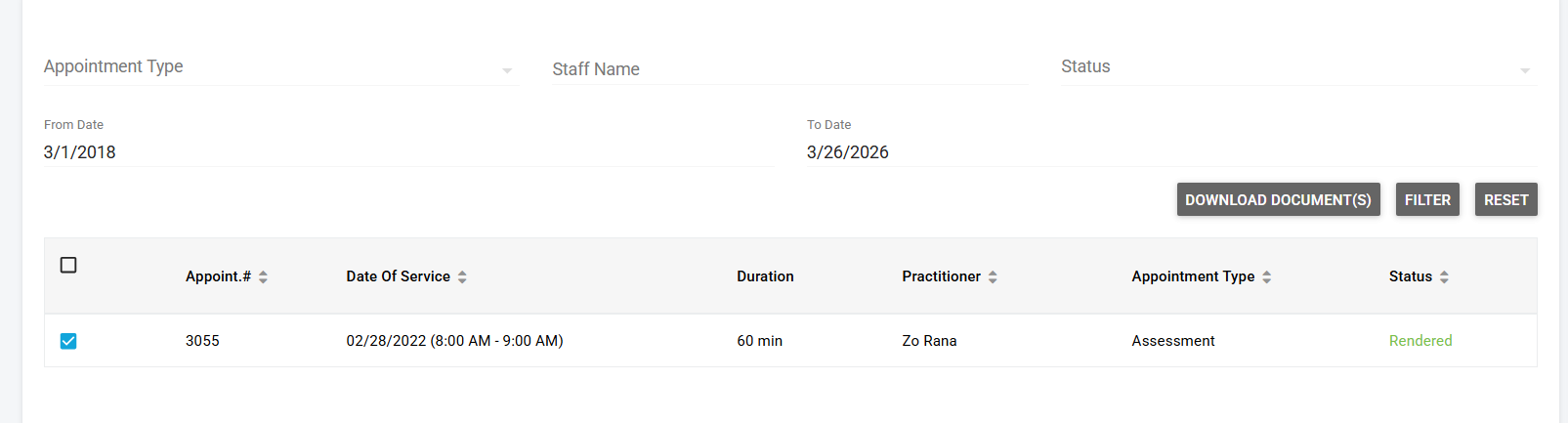
Filter out the note using the options

Download the note to view it
Was this article helpful?
That’s Great!
Thank you for your feedback
Sorry! We couldn't be helpful
Thank you for your feedback
Feedback sent
We appreciate your effort and will try to fix the article