Theralytics Support Account
Objective
This SOP outlines the steps for logging into Freshdesk, submitting tickets, and managing ticket statuses to ensure efficient issue resolution.
Key Steps
1. Logging into Freshdesk 0:44
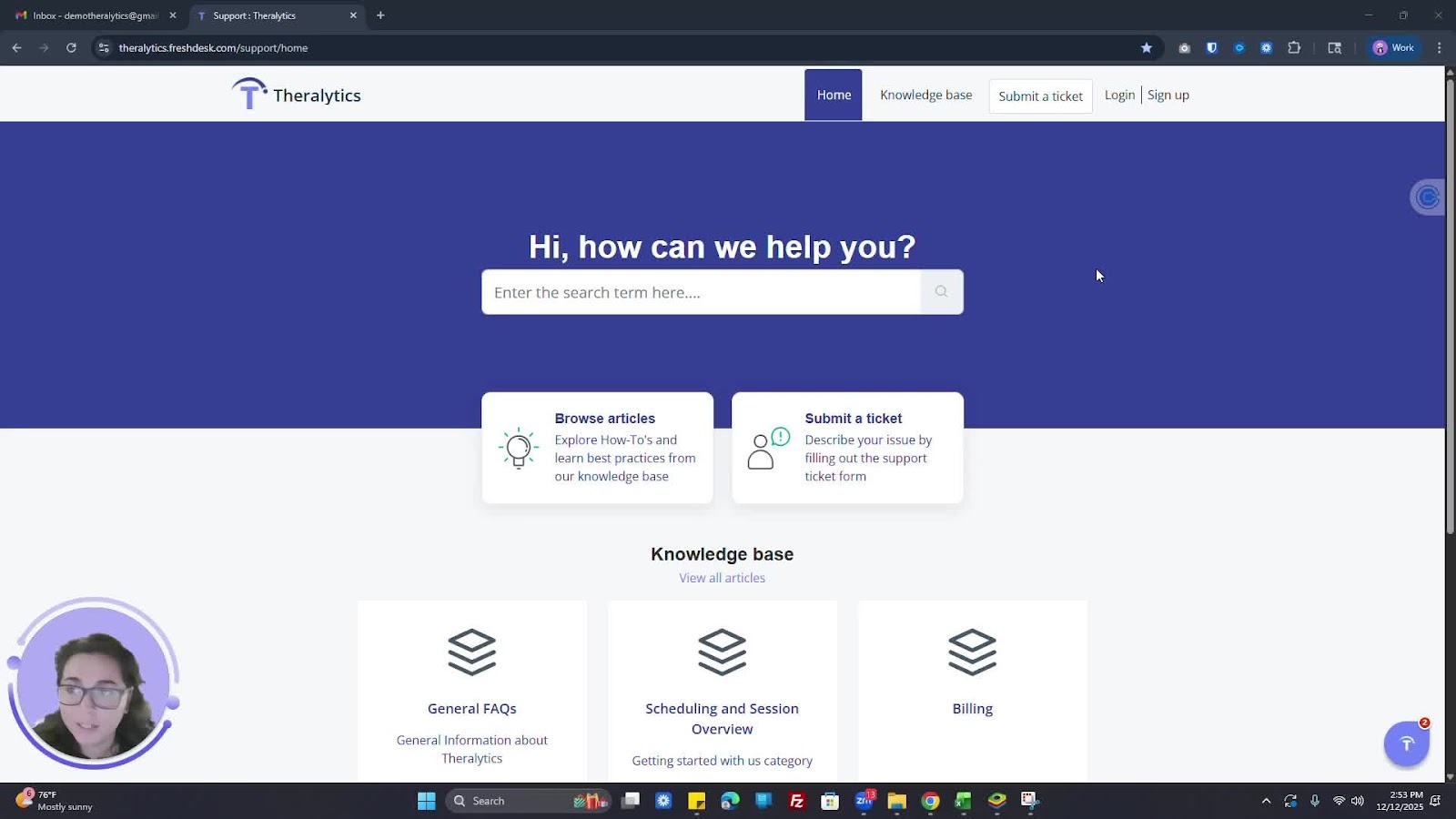
Use the provided URL to access Freshdesk.
Sign up by entering your full name and email address.
Log in using your Google account or the email/password you set up.
2. Submitting a Ticket 1:48
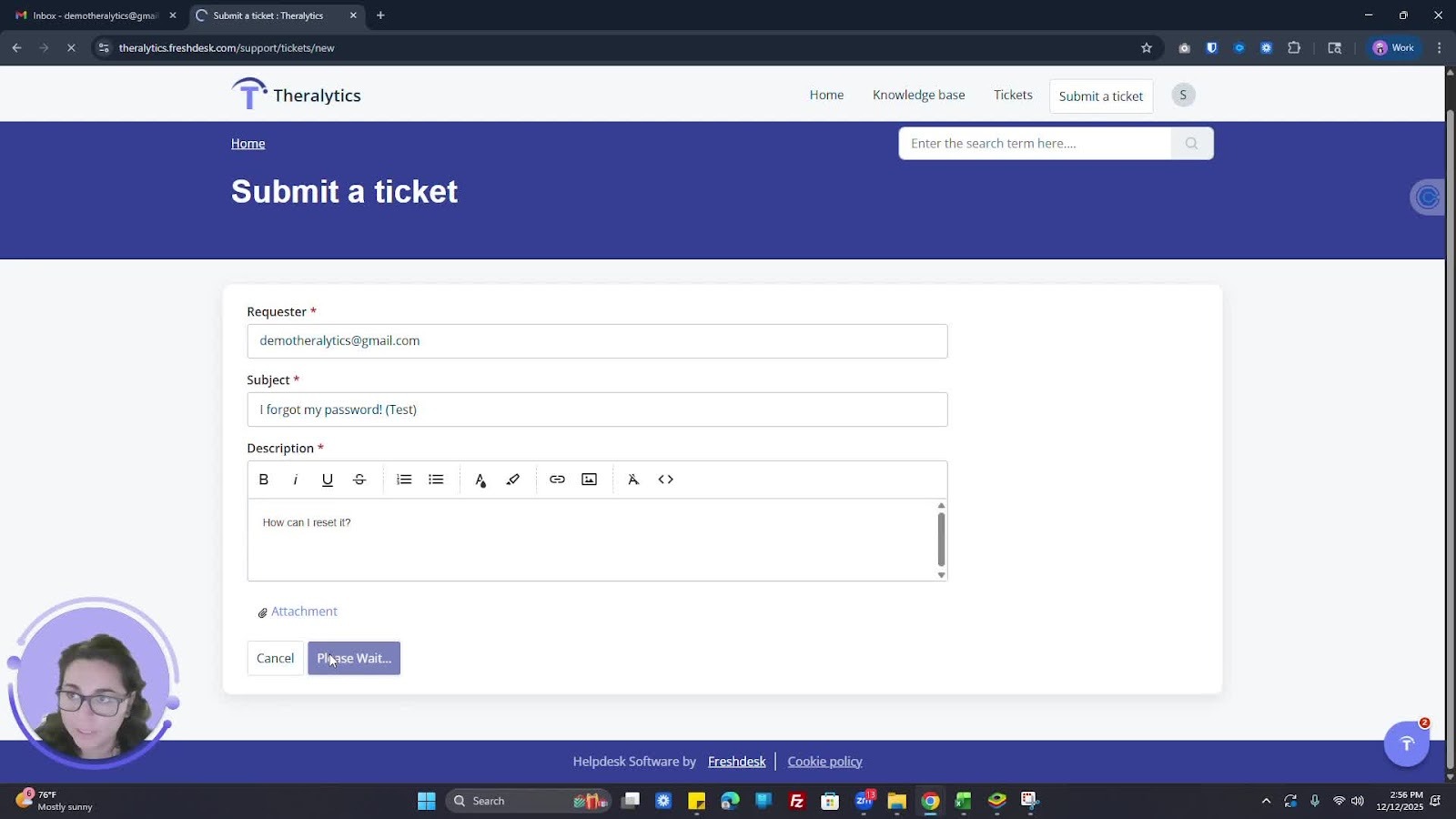
Click on the option to submit a ticket.
Fill out the ticket form with the following information:
Subject
Description
Attachments (if any)
Click 'Submit' to send your ticket.
3. Viewing and Managing Tickets 2:05
Access your tickets to view their status.
Use filters to sort tickets by status or date created.
Reply to tickets or add team members to CC if needed.
4. Closing Tickets 2:28
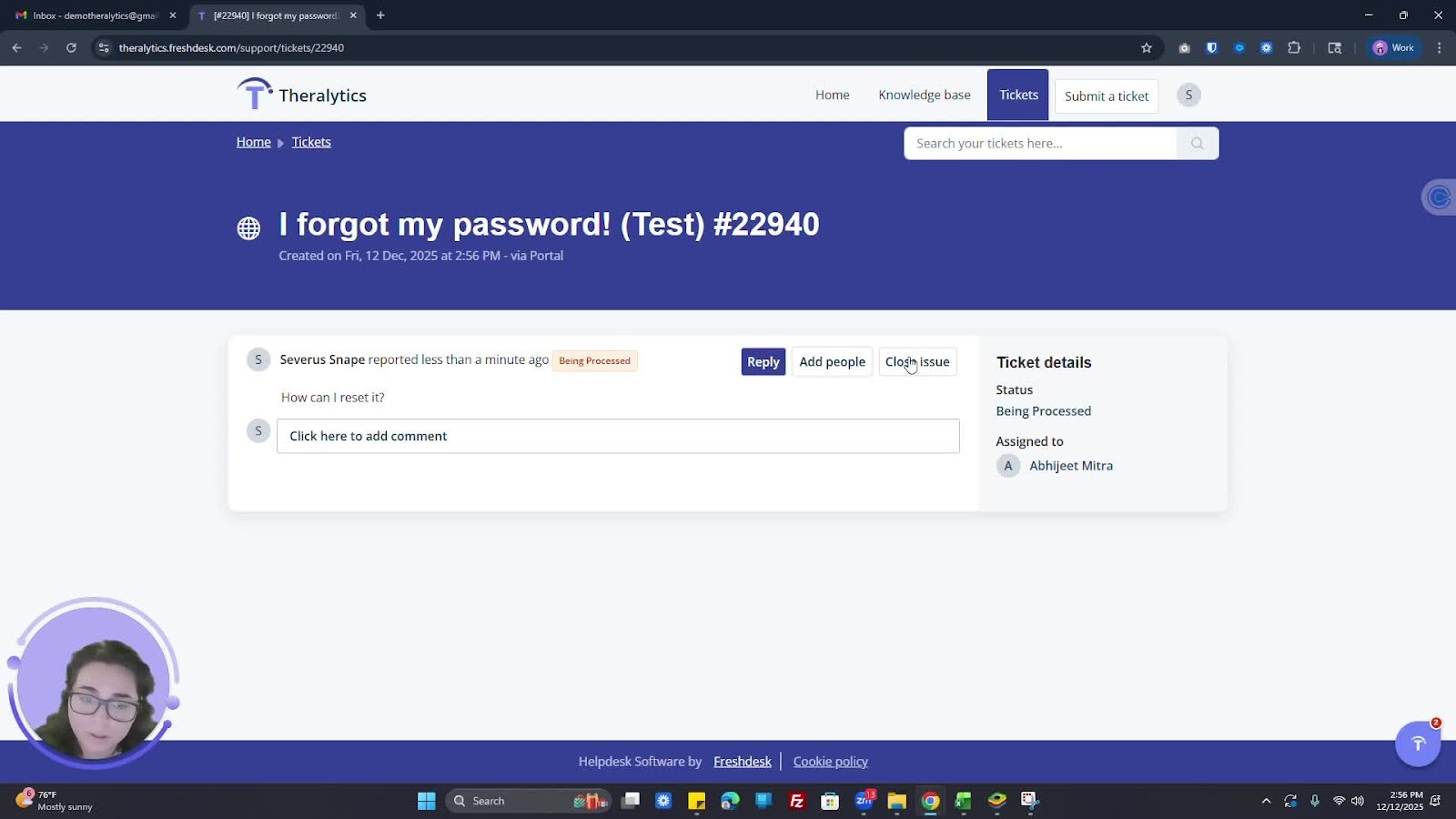
If you resolve an issue, you can close the ticket from your end.
5. Receiving Notifications 2:42
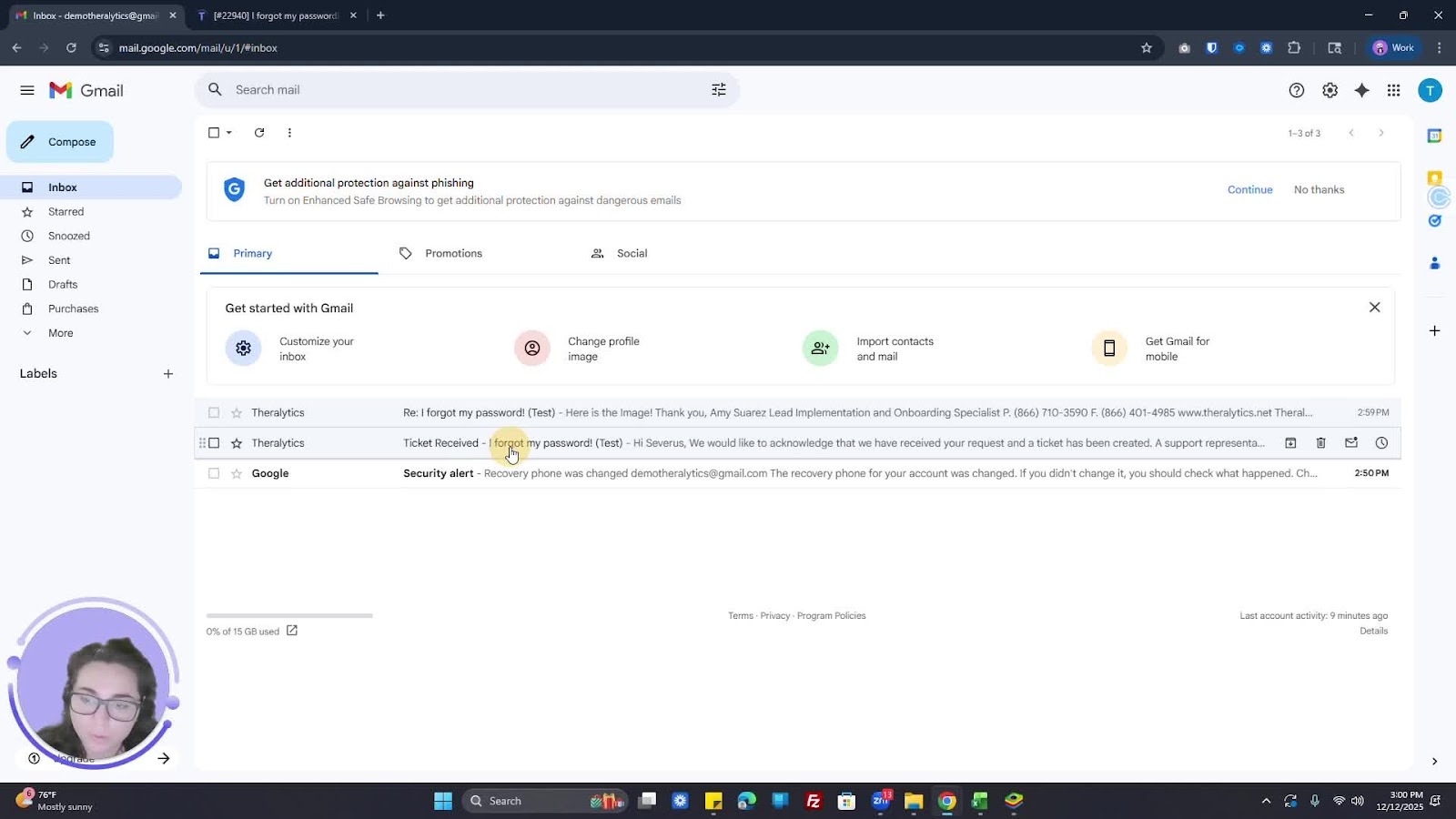
Check your email for notifications regarding ticket updates.
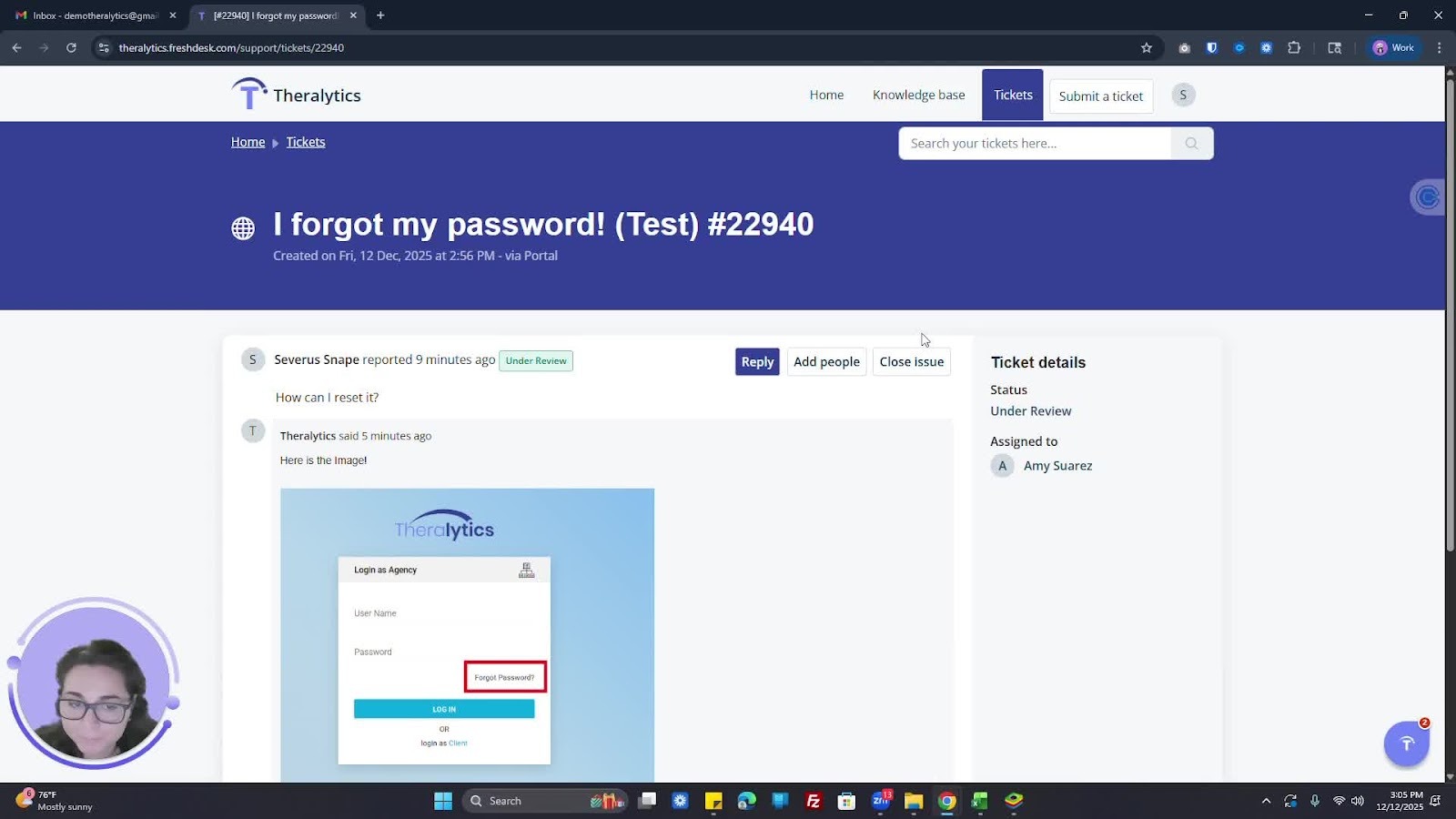
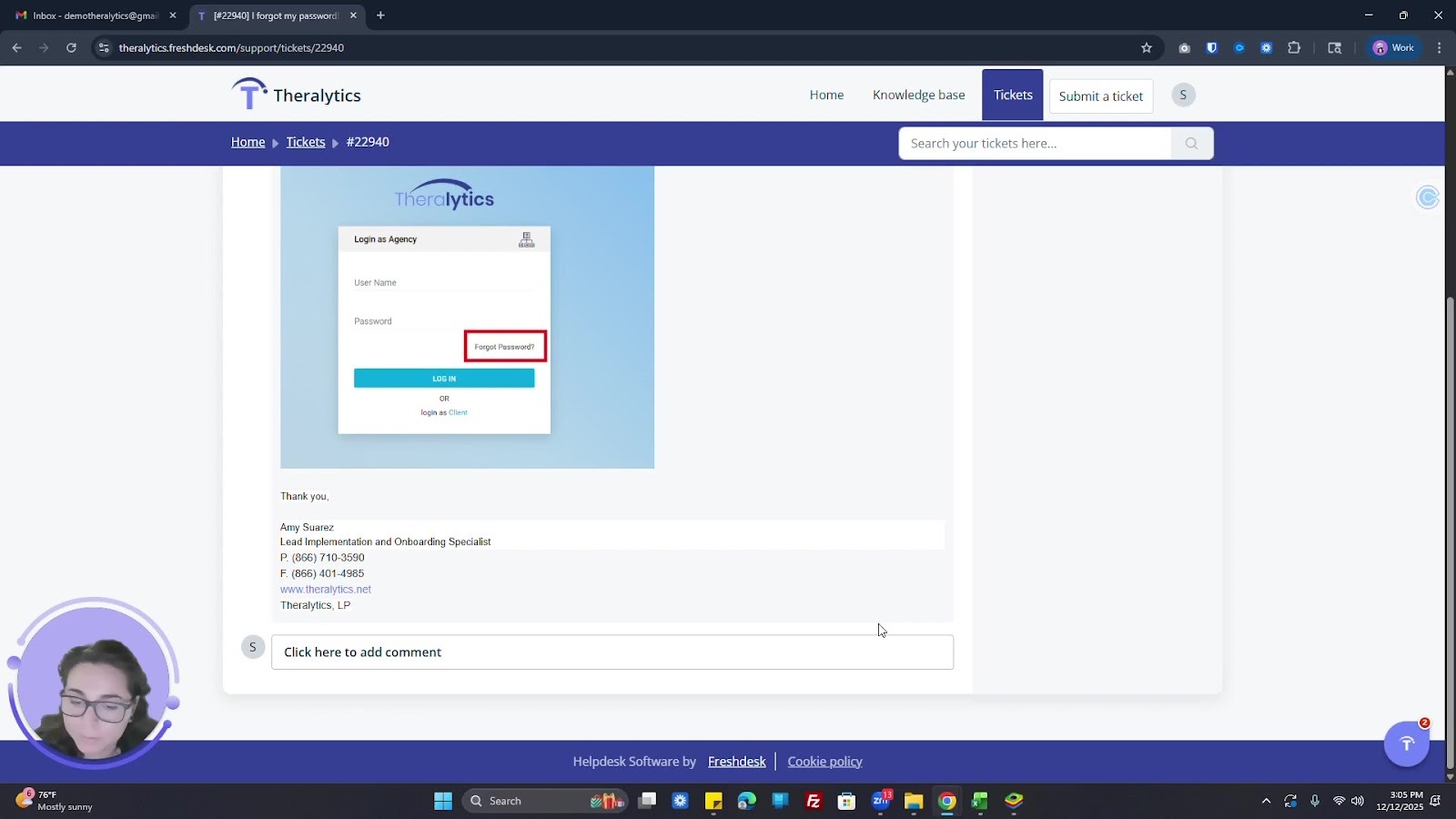
Log into Freshdesk to view images or documents related to your tickets.
6. Merging Tickets 3:46
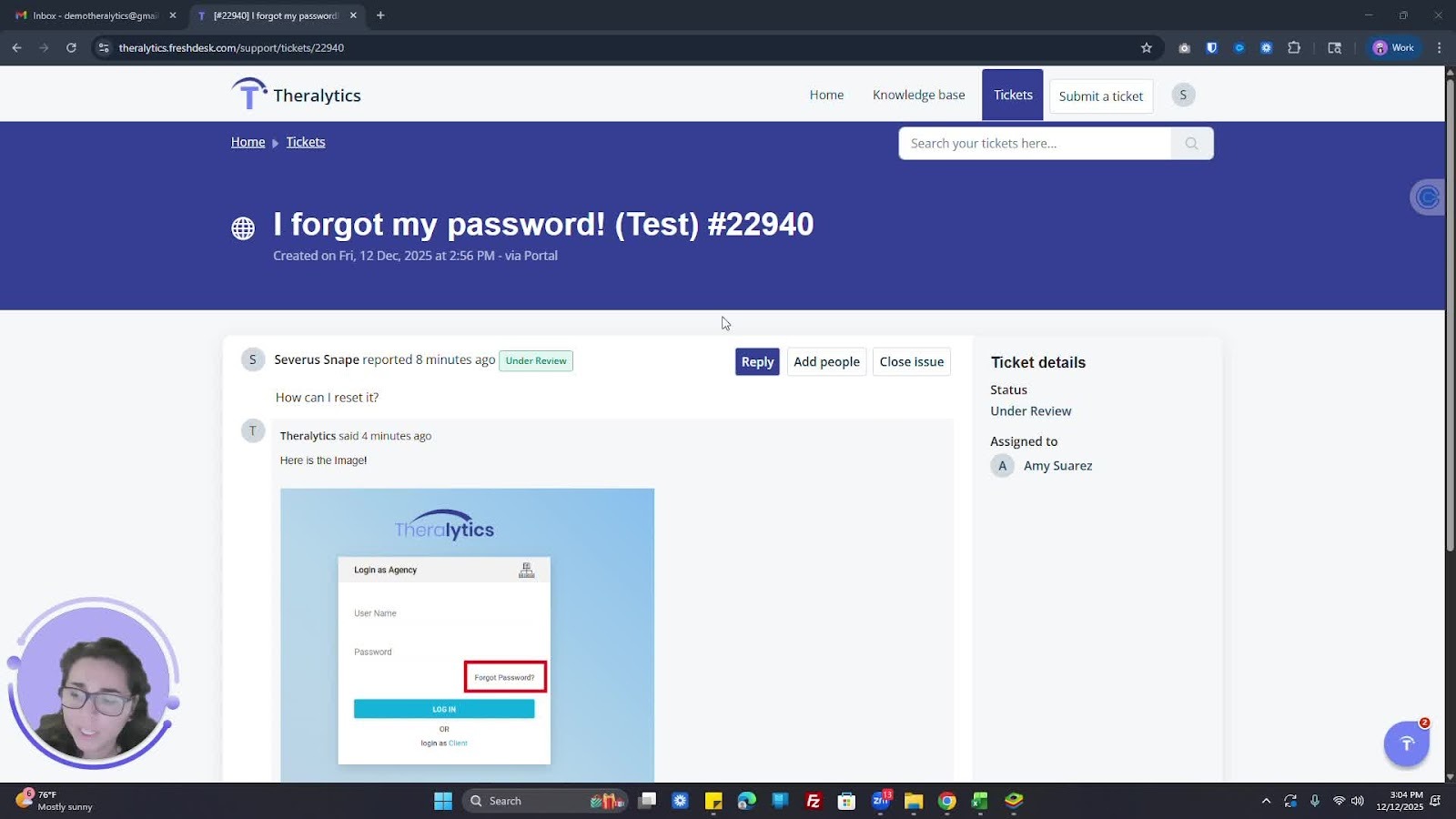
Be aware that similar tickets may be merged for easier tracking.
You will be notified if your tickets are merged.
7. Leaving Feedback 4:22
After closing a ticket, provide a satisfaction rating for the customer success team.
8. Accessing Knowledge Base 1:08
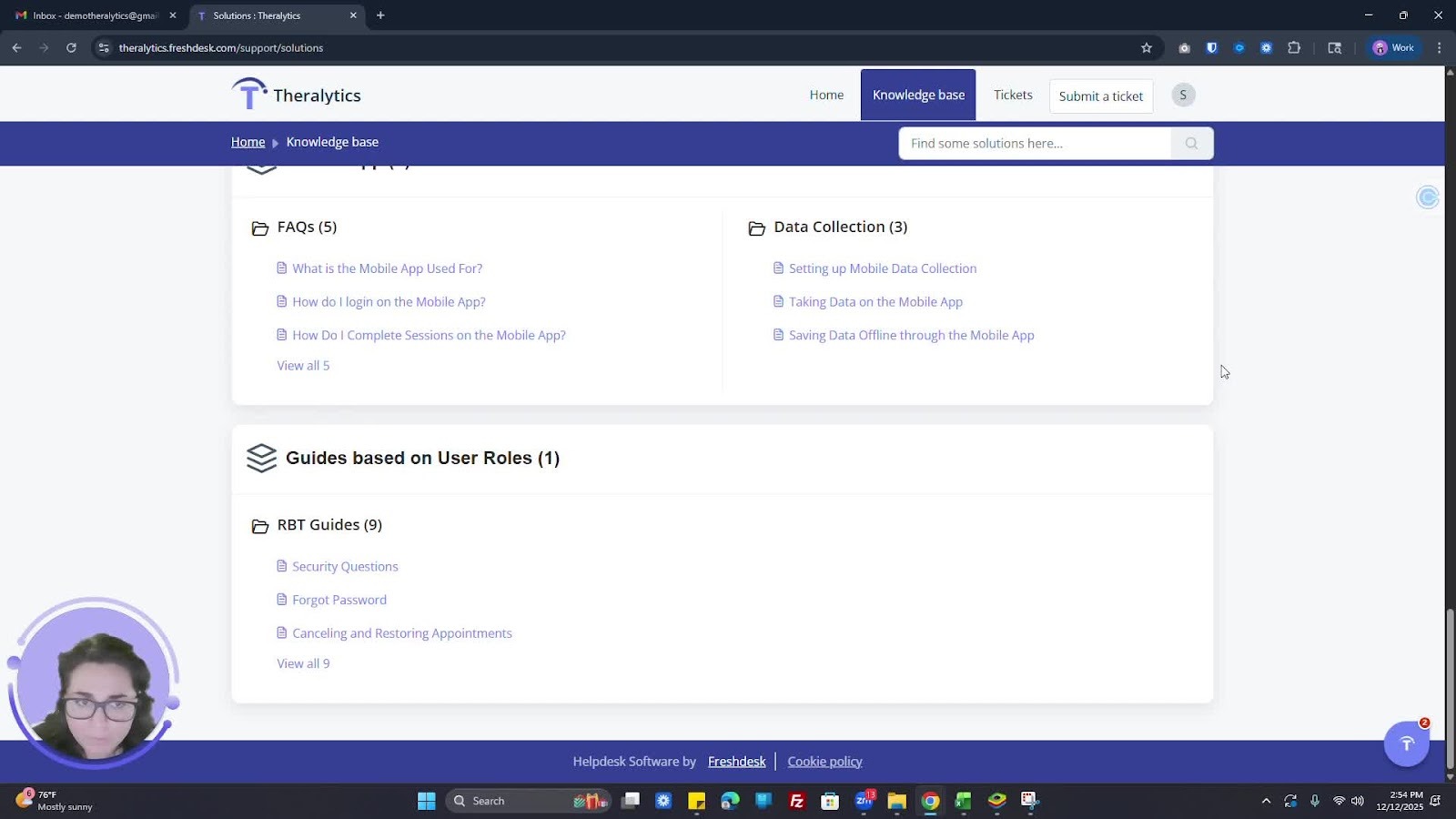
Use the knowledge base to find guides and resources.
Filter by categories or search for specific topics.
9. Creating a Login 5:11
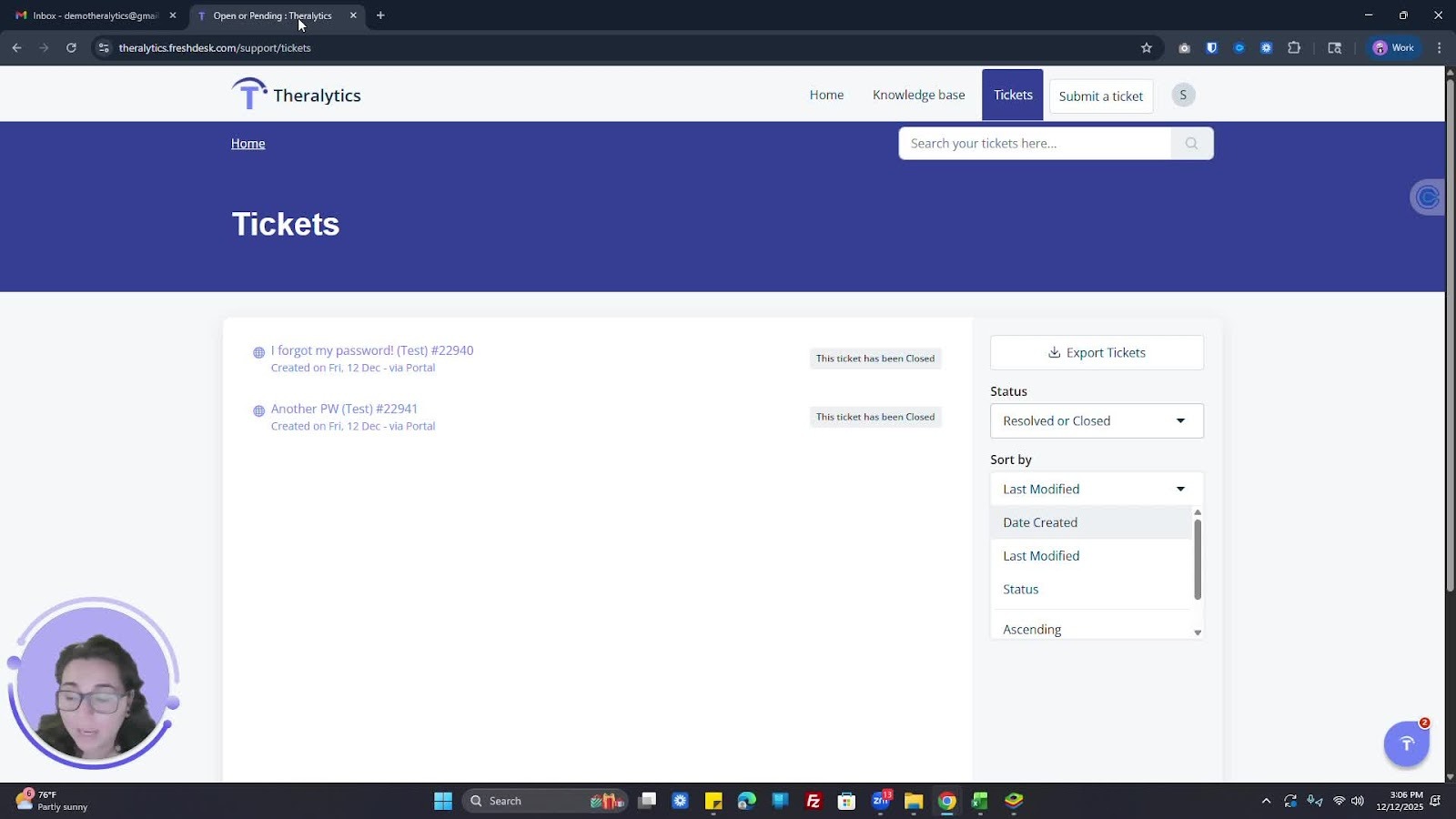
Ensure you create a Freshdesk login to access all ticket information and attachments.
Cautionary Notes
This Ensurse HIPAA compliance by keeping all information secure.
If you do not log in, you may miss important information related to your tickets.
Tips for Efficiency
Regularly check your ticket status to stay updated (either through email or freshdesk)
Use the search function in the knowledge base to quickly find relevant guides.
Please make sure any team members submitting tickets sign up for a freshdesk account.
Was this article helpful?
That’s Great!
Thank you for your feedback
Sorry! We couldn't be helpful
Thank you for your feedback
Feedback sent
We appreciate your effort and will try to fix the article